
Download Epic Launcher – launcher, Android 4.0+, customization, home screen, KitKat, interface, desktop, app drawer, haptic feedback, free launcher, Android 4.x
Overview
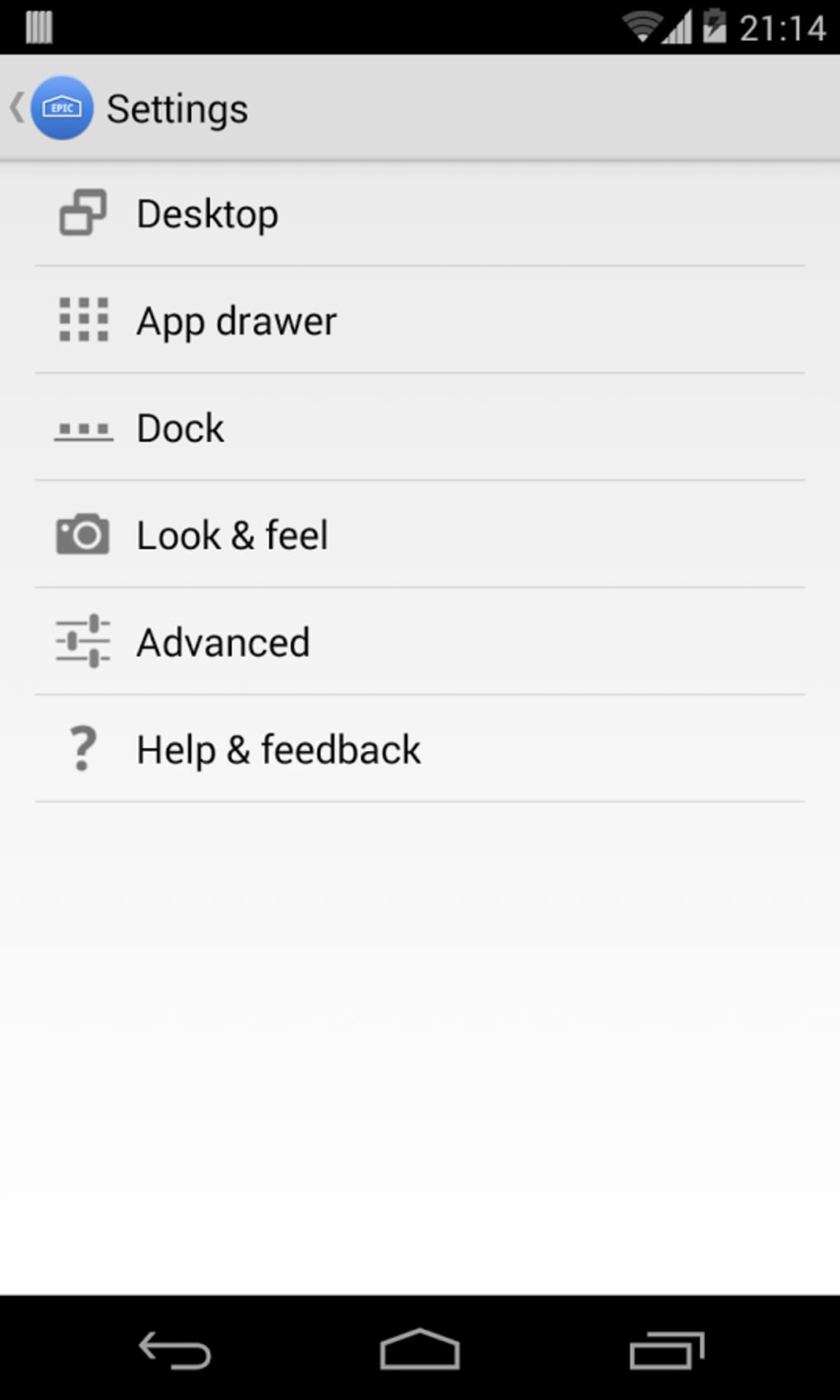
Epic Launcher is a home screen replacement tool designed for Android 4.0+ devices, offering a refined and customizable interface experience. Built specifically for Android 4.x systems, it serves as a powerful alternative to the default launcher, enabling users to overhaul their device’s visual and functional layout. The software allows deep customization of core interface elements, including the desktop, dock, app drawer, and overall system aesthetics such as icon styles and haptic feedback settings. This makes it particularly valuable for users seeking to modernize or personalize their older Android devices beyond the limitations of stock firmware.
Target users include Android enthusiasts, power users, and individuals with devices running Android 4.0 or later who wish to enhance usability and visual appeal. The launcher is especially relevant for those using legacy hardware where official updates are no longer available. Real-world use cases include transforming a dated device into a more responsive and visually cohesive experience, improving navigation efficiency, and tailoring the interface to personal preferences. The developer, Epic Launcher Team, has focused on delivering frequent updates, suggesting an ongoing commitment to feature development and user feedback integration.
Key Features & Capabilities
- Complete Home Screen Replacement – Acts as a full alternative to the default Android launcher, providing full control over the device’s primary interface.
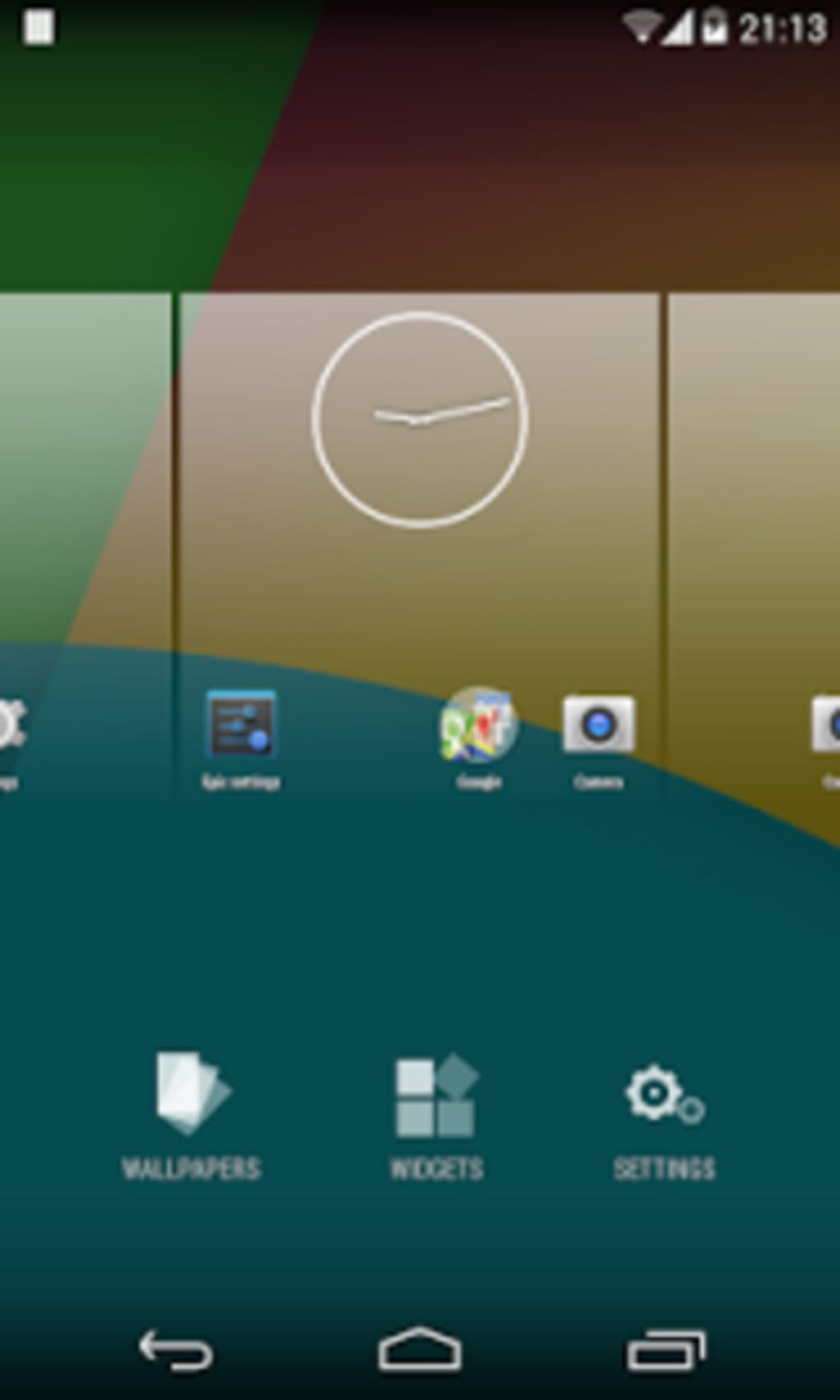
- Desktop Customization – Allows users to adjust wallpaper, icon size, grid layout, and widget placement for a personalized workspace.
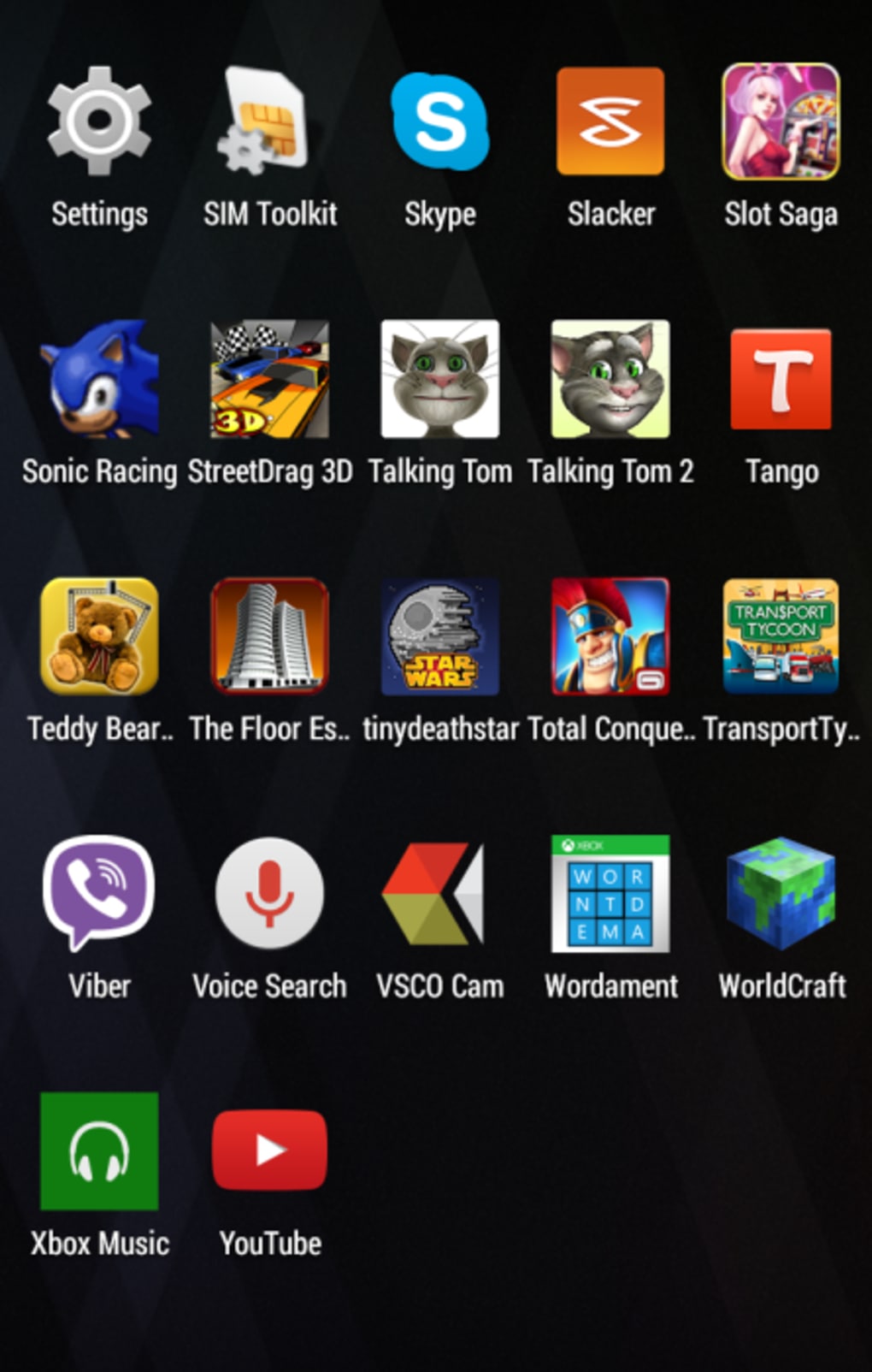
- Dock and App Drawer Control – Offers flexibility in arranging the dock and customizing the app drawer’s appearance and behavior.
- Interface Aesthetics – Supports changes to icon packs, system-wide visual themes, and haptic feedback intensity for tactile response.
- Frequent Updates – The development team regularly releases improvements, suggesting active maintenance and responsiveness to user needs.
- Free Core Functionality – The base version is available at no cost, with optional in-app purchases for enhanced features.
These capabilities empower users to adapt their device interface to match their workflow and style. For example, a user with a slow Android 4.0 tablet might use the launcher to reduce visual clutter and improve touch responsiveness. Another might customize the app drawer to group apps by category or use a dark theme to reduce eye strain. The absence of notification controls is noted, meaning users seeking advanced notification management will need to rely on third-party tools.
User Interface, Workflow & Performance
Epic Launcher presents a clean, intuitive interface structured around the standard Android home screen layout, with customizable elements distributed across the desktop, dock, and app drawer. Navigation is consistent with typical Android patterns, allowing users to access apps, widgets, and settings through familiar gestures such as tapping, long-pressing, and swiping. The workflow is designed to minimize friction, enabling quick access to frequently used apps and efficient reorganization of the interface.
Performance details were not specified by the developer. However, based on general behavior of lightweight launchers on Android 4.x, it is expected to operate efficiently on devices with modest hardware. The launcher is optimized for older systems, suggesting low memory footprint and minimal CPU overhead. Stability is likely maintained through regular updates, though exact behavior under prolonged use or on low-RAM devices remains unverified. The developer did not provide information on resource usage, so users should monitor performance during initial setup and extended use.
Compatibility & System Requirements
Epic Launcher is designed to run on Android 4.0 and later versions, making it accessible to a wide range of older devices. The software has a file size of 12.5 MB, indicating a lightweight footprint suitable for devices with limited storage. The version in use is 2.4.1, released on April 12, 2023. Compatibility information is limited to the operating system range, with no specific hardware requirements provided.
Exact system requirements were not listed. The developer did not specify minimum RAM, CPU, or storage thresholds beyond the OS version. This suggests the launcher is built to function on devices with basic specifications, though performance may vary depending on individual hardware. Users are advised to ensure their device meets the Android 4.0+ requirement before installation. No official support for Android 5.0+ or newer versions is mentioned, so compatibility with newer systems remains uncertain.
Pros and Cons
Pros
- Free to download and use with no ads in the base version
- Extensive customization options for desktop, dock, and app drawer
- Supports icon packs and haptic feedback settings for tactile and visual personalization
- Frequent updates from the development team indicate active support
- Lightweight design suitable for older Android devices
Cons
- Lacks notification control features
- No official information on hardware or RAM requirements
- Performance on low-end devices not officially verified
- Only available for Android 4.0+; not compatible with newer OS versions
- Optional in-app purchases may be required for advanced features
FAQ Section
Is Epic Launcher compatible with Android 4.0+ devices?
Yes, Epic Launcher is explicitly designed for Android 4.0 and later versions, making it suitable for a wide range of legacy devices.
Is the launcher safe to download and use?
The software is available for free and does not require root access. As with any third-party launcher, users should ensure they download it from trusted sources to maintain device security.
Does Epic Launcher support automatic updates?
Yes, the developer regularly releases updates to improve functionality and fix issues. Users should check for updates through the app store or official channels.
Can I use Epic Launcher without in-app purchases?
Yes, the core features are available at no cost. However, optional in-app purchases may unlock additional customization options or premium themes.
Is Epic Launcher available for Android 5.0 and above?
Official compatibility information is limited to Android 4.0+. No support for Android 5.0 or newer versions is confirmed.
Final Thoughts + CTA
Epic Launcher delivers a robust and flexible interface solution for users of Android 4.0+ devices seeking to enhance their mobile experience. Its strong focus on customization, combined with a lightweight design and frequent updates, makes it a standout choice for those looking to breathe new life into older hardware. While it lacks advanced notification controls and has limited documentation on system requirements, its core functionality remains highly effective and accessible.
Power users, Android enthusiasts, and individuals with aging devices will benefit most from its features. The free availability with optional premium upgrades adds significant value. For anyone looking to personalize their Android 4.x interface and improve usability, Epic Launcher is a reliable and capable tool.
Download Epic Launcher now





.png)

